
 Sign In
 Support


This item has 0 required items.
Please make sure to go back to the
required items tab on this detail page to download
all required items.
Download All with One Click
VIP Members can download this item and all
required items in just One
Click. Start your VIP membership for as low as
$3/Month.


Created for: The Sims 2
This is a Set with 22 Creations - Click here to show all
This Mesh has Recolors on TSR - Click here to show them
This Creation has Requirements - Click here to show them
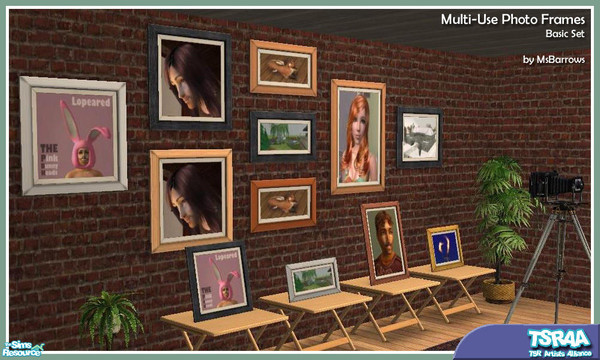
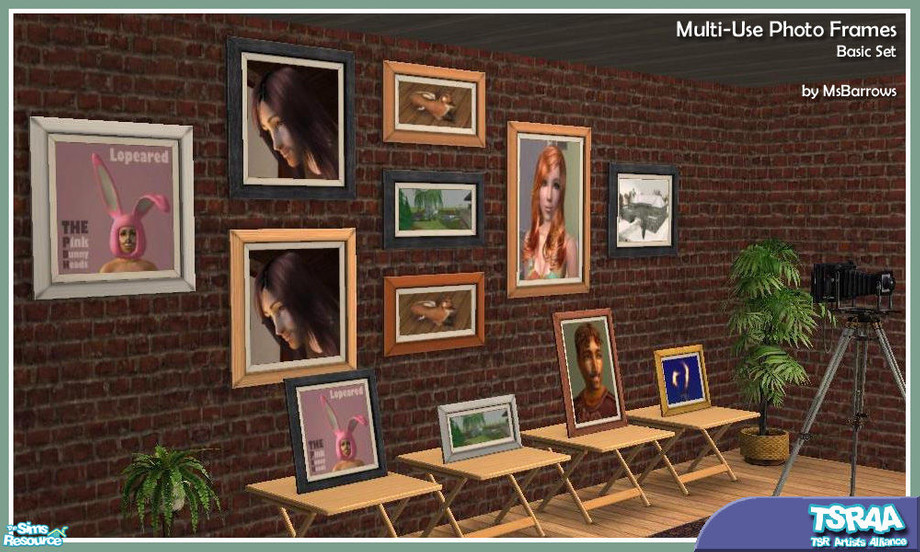
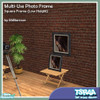
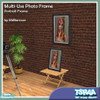
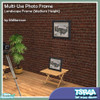
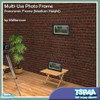
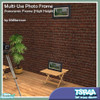
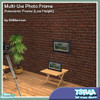
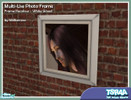
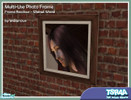
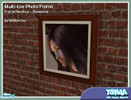
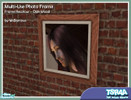
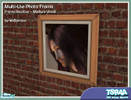
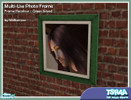
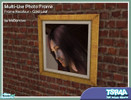
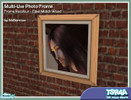
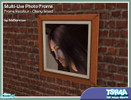
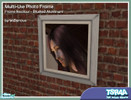
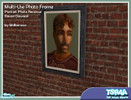
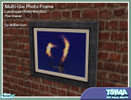
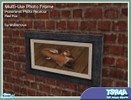
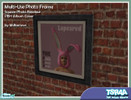
Want a picture frame that can be placed on a counter, table or end table as easily as on the wall? Here\'s a whole set of them, in a variety of sizes and wall height placements. Combine different sizes, shapes, and frame textures to make your own photo wall. Includes collection files.
Short URL: https://www.thesimsresource.com/downloads/596460
ItemID: 596460
All frames require the square medium height frame for their frame textures. See special recolouring instructions under
- TSRAA: Yes - What's this?
- May be recolored: Yes
- Mesh tool used: SimPE
This Creation requires what's listed below in order to work properly.
Required Expansion/Stuff Packs:
- Nightlife
Installation Instructions:
RECOLOURING INSTRUCTIONS
for Multi-Use Photo Frames
1. All photo frames get their frame textures from MsB_Photo_Square_MASTER_MESH.package - recolouring the frame of this package will change the available frame colours of every mesh in the set.
2. All square-shaped photos get their photo textures from MsB_Photo_Square_MASTER_MESH.package - recolouring the photo of this package will change the available photo colours of every square-shaped mesh in the set. Best image sizes to use: either 256x256 or 512x512.
3. All portrait-sized photos get their photo textures from MsB_Photo_Portrait_MESH.package - recolouring the photo of this package will change the available photo colours of every portrait-sized mesh in the set. Best image size to use: 256x512. Note that the image will get squashed in height to fit the portrait aspect ratio, so in making the textures for this size frame, you should start with a portrait-sized image and distort it to the 1:2 ratio, so it will end up with the correct proportions once in the frame.
4. All landscape-sized photos get their photo textures from MsB_Photo_Landscape_MESH.package - recolouring the photo of this package will change the available photo colours of every landscape-sized mesh in the set. Best image size to use: 512x256. Note that the image will get squashed in width to fit the landscape aspect ratio, so in making the textures for this size frame, you should start with a landscape-sized image and distort it to the 2:1 ratio, so it will end up with the correct proportions once in the frame.
5. All panoramic-width photos get their photo textures from MsB_Photo_Panorama_Med_MESH.package - recolouring the photo of this package will change the available photo colours of every panoramic-width mesh in the set. Best image sizes to use is 512x256.




 3,209 Downloads •
3,528 Downloads •
336 Downloads •
1,061 Downloads •
3,209 Downloads •
3,528 Downloads •
336 Downloads •
1,061 Downloads •











 Limited Time Offer
 For a limited time only, we’re giving away a free


