

 Sign In


Special Effects
I've started a new set for all you storytellers that will be nothing but special effects for your screen shots. So far I have two meshes done, a full body effect and an orb effect, which share several recolors. I also plan on adding a few environmental effects, things like sun rays and fog. Depending how caught up in it I get, I might even try to custom poses to go along with the effects :P
A few samples of what I have so far:
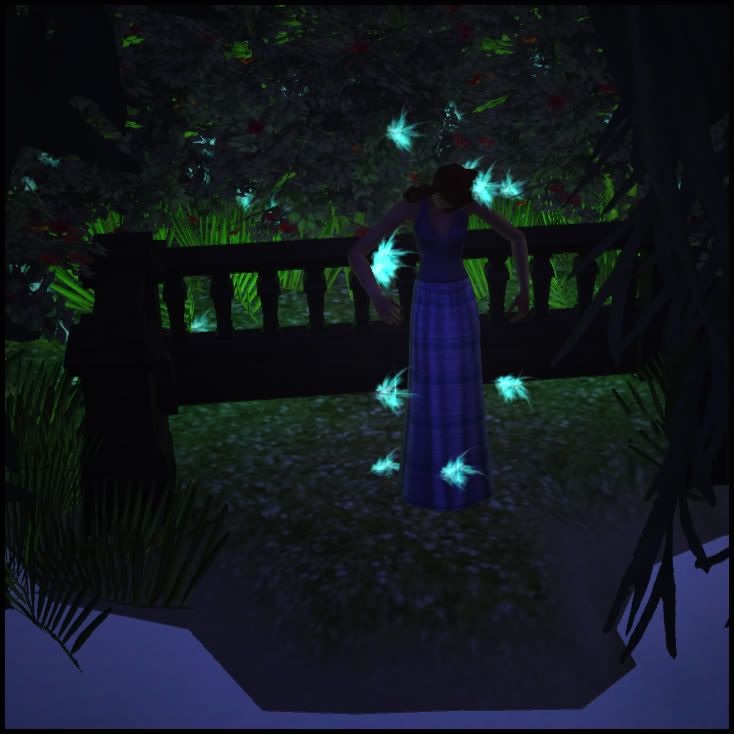
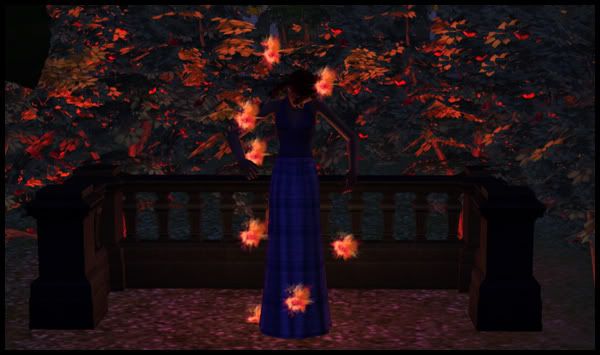
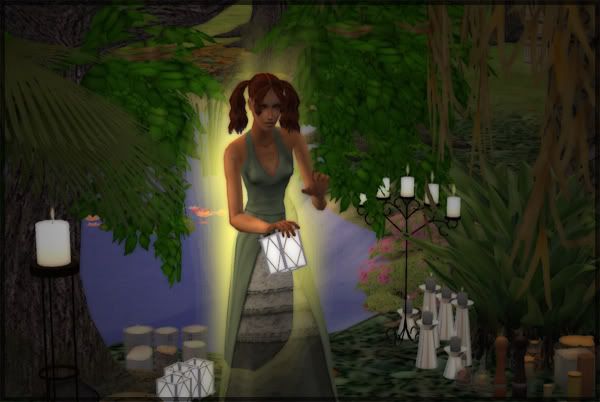
It's fairly easy to use: The actual effect is found under Decorative > Sculptures, and is considered an object, so you have to use the "moveobjects on" cheat to place it right. So far I've found that you need to place the effect first, then the sim inside it. If you do it the other way, the effect snaps into the sims hand. Also, because its an object, it can snap into slots on tables and shelves. So for example, you have a sim in a jumping pose up in the air, you can use Windkeepers Hidden Shelves to move the effect into the air.
Set originally inspired by aikea_guinea's constant creativeness in her photo shoots













 Limited Time Offer
 For a limited time only, we’re giving away a free


