

 Sign In


's Blog
Thanks for all the support
I want to thank everyone for the awesome comments on my new archway. I will be back in a few days to thank everyone personally. Thanks again for all the support.
Featured Artist
Hi all! I'm very proud to say....
I'm a Featured artist for The Sims 2
Thank you all who supported me this time, looking forward to the future as being FA!
-Cleo
Kudos! Everywhere
Don't you just like kudos, I save mine up and some day they will become useful.
Hi all my first post.
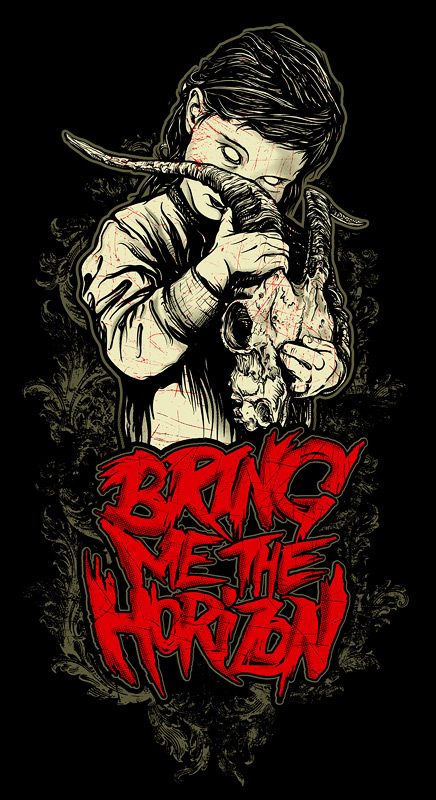
Hi al,l my first post,I joined 94 days ago when I drought the sims 3.After playing for a few days I drought World,Ambitions and Latenight and I think Latenight is the best.Only got it yesterday but hey I love it.I've made a couple of tshirts check them out,hope you like.My new picture for a tshirt will be
 s
s
What do you think.
These are my tshirts with a link take a look......if you like please comment......
Heres the final product

Upcomming Paintings
If you like the Asian and Egyptian theme's please checkout my upcomming paintings. There is a new *FREE* Asian or Egyptian painting every day for the next two weeks :-)
Lorraine
New chapter of Under The Same Moon.
Hi everybody! I'm here just to tell you that I submitted Part 7 of my story Under the same moon.
Thank you all
I want to thank you all for your Congratulations.I'm very proud to be a Select Artist here on TSR.It is a Honour.
Thank you Users, thank you TSR.
Greetings Cali
Presenting my new world, Pandora
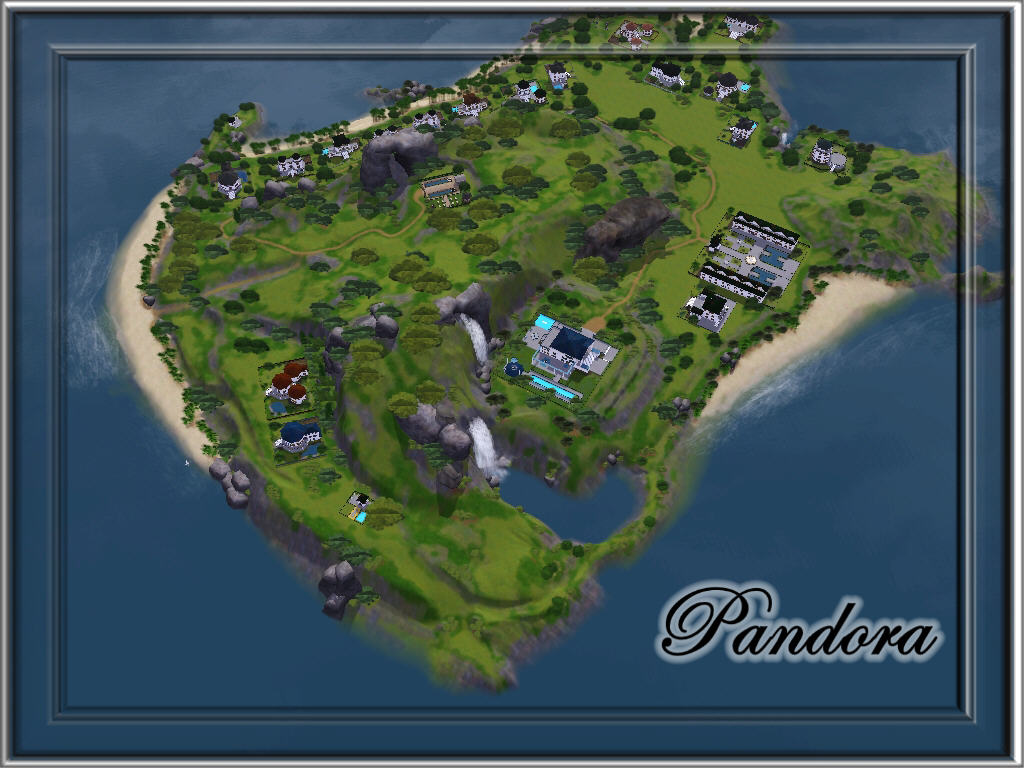
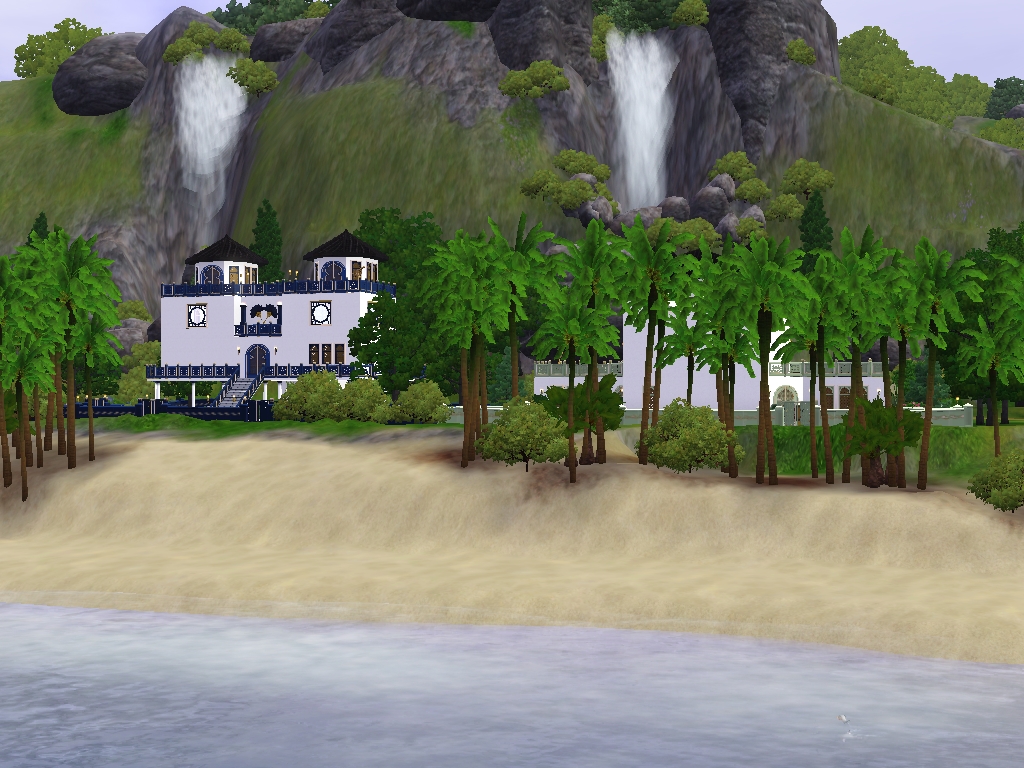
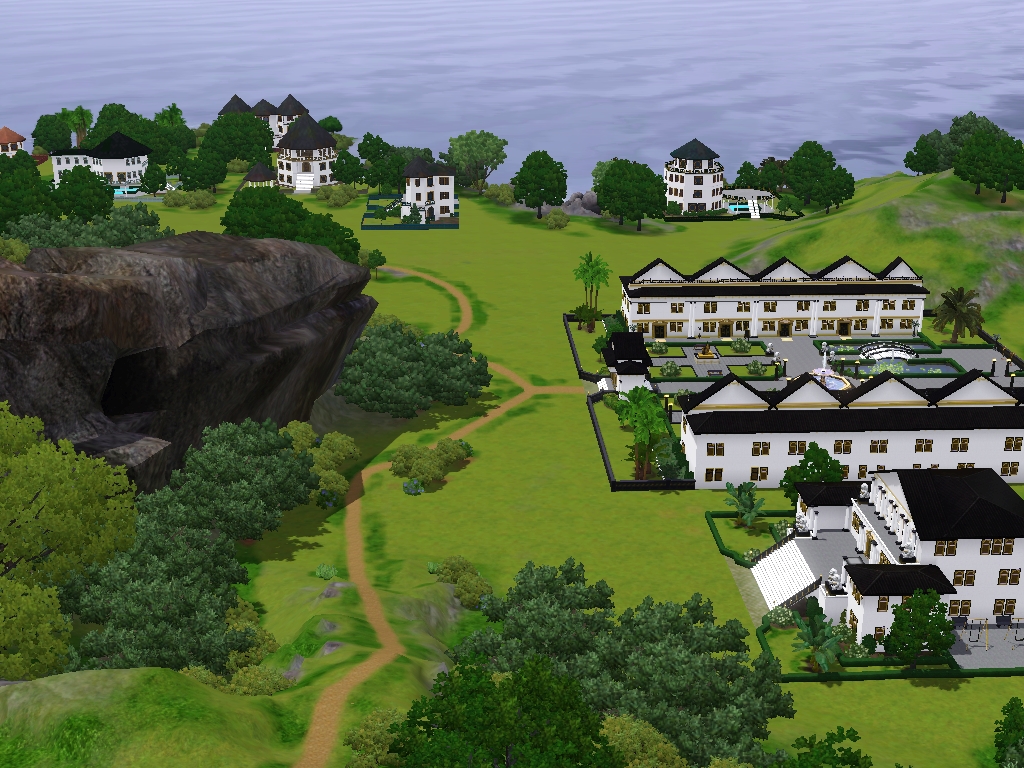
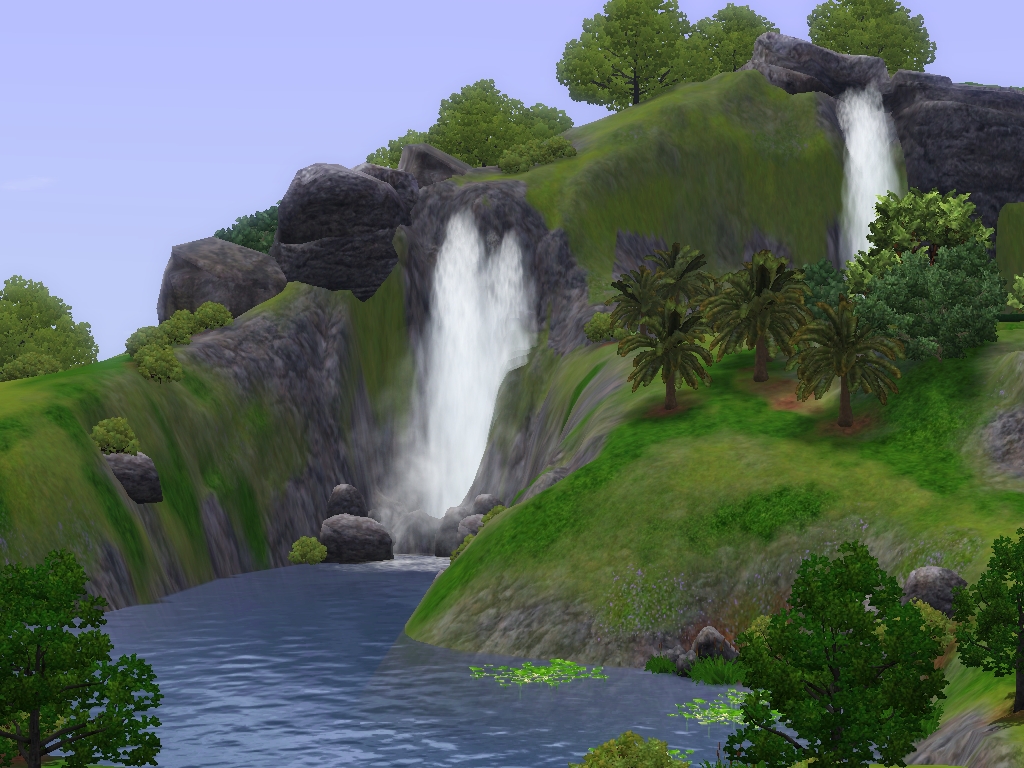
Hi everyone, I am proud to present my first new world. Pandora, for your game pleasure. This beautiful fantasy world is a lush tropical island with rolling hills, island cliffs, several waterfalls, (5) and plenty of beach area. It is delightfully alive with the sounds of the falls, the crashing waves of the ocean and the many sea gulls that frequent the beaches. There is also a tiny companion island off the main island that would be suitable for added game play if desired.
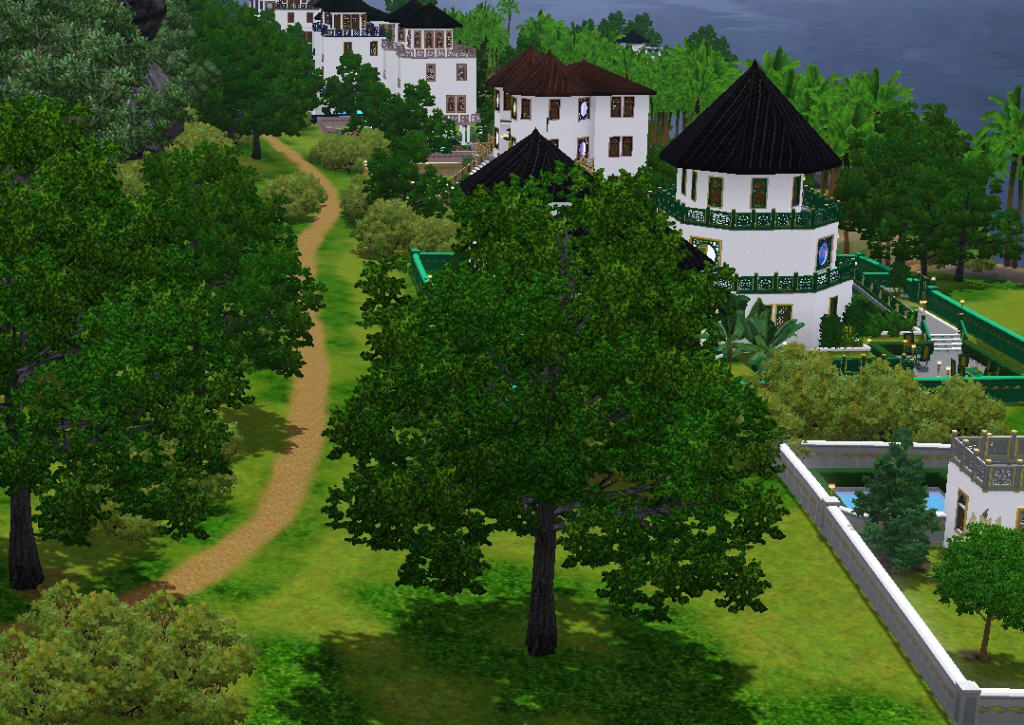
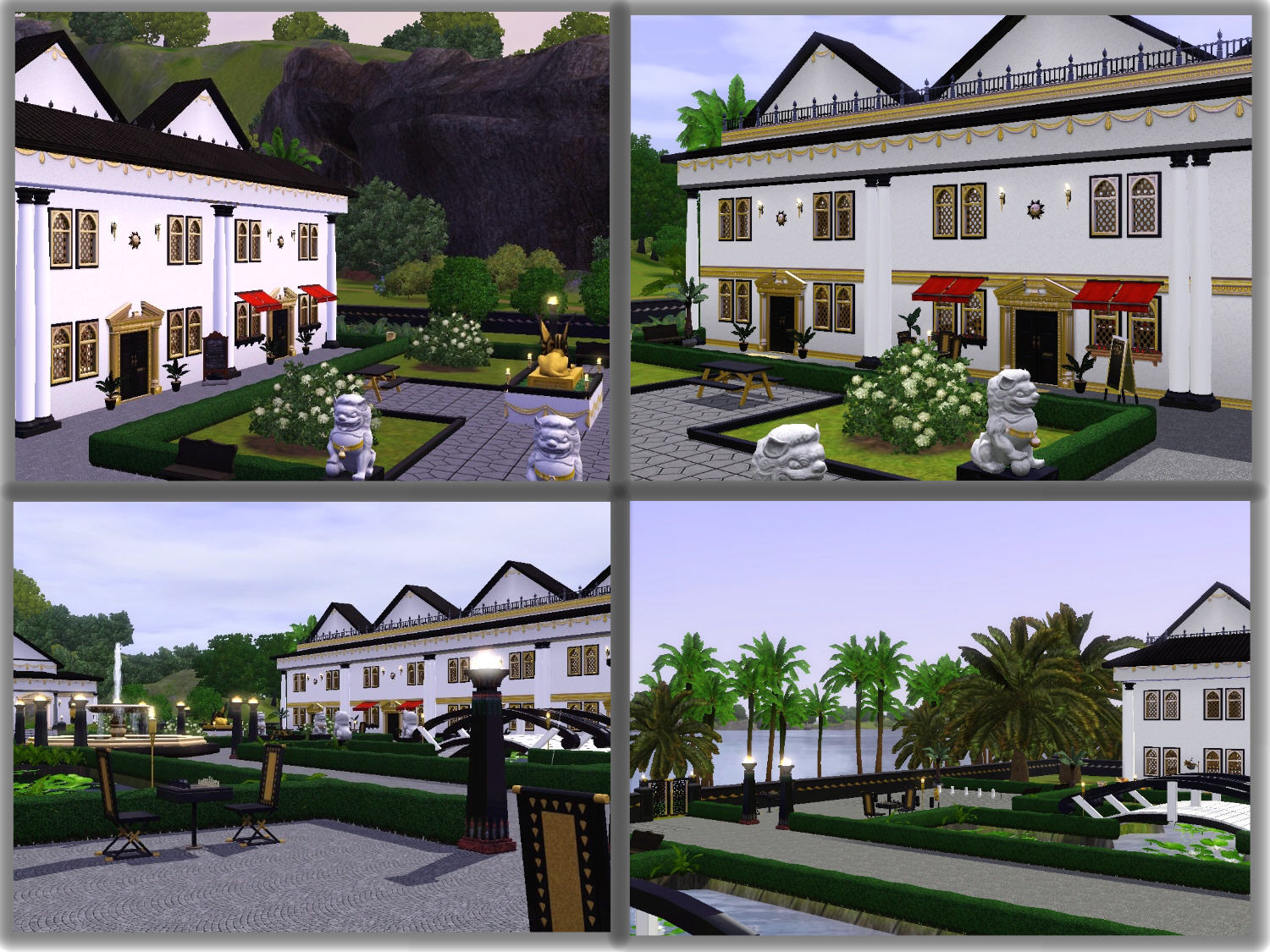
This gorgeous world was inspired by the movie, Avatar, but was created according to my vision of such a fantasy hood, and of course, adapted for the needs of my wonderful Navi Sims race that was created to live there. The architectural style of the homes and community lots were built to accommodate the tropical weather of the island. They are designed to catch the full breeze of the ocean and utilize the beautiful views of the island landscape. Each home has an amazing visa view of the beach and ocean. Since the Navi are a fun loving people, the homes are built with lots of color and pattern in their decor. Due to limited materials on the island, the structures of the island take on a uniformity style and design. All the homes have a pool, a garden area and some have fresh water ponds.This island paradise is not your usual game play. There are no cars or modes of transportation other than walking. There is no electricity, so the island homes are lit with oil lamps and torches. Of course, due to the limitations of the game, certain electrical appliances were used such as the stove and fridge. Plus, communication with the cell phone is unavoidable.
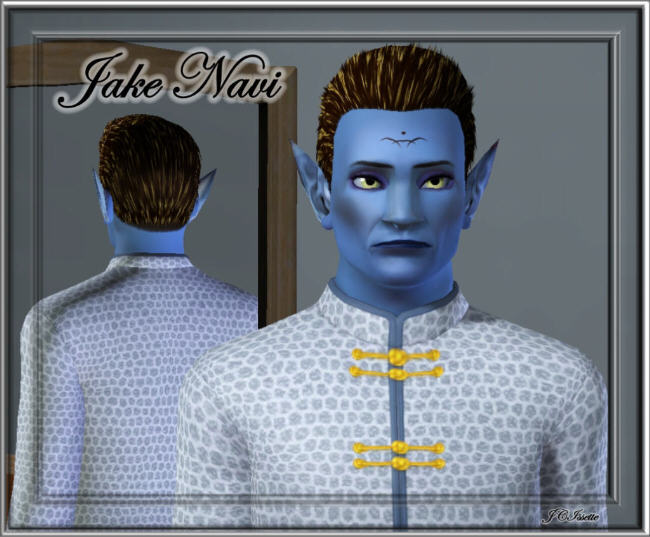
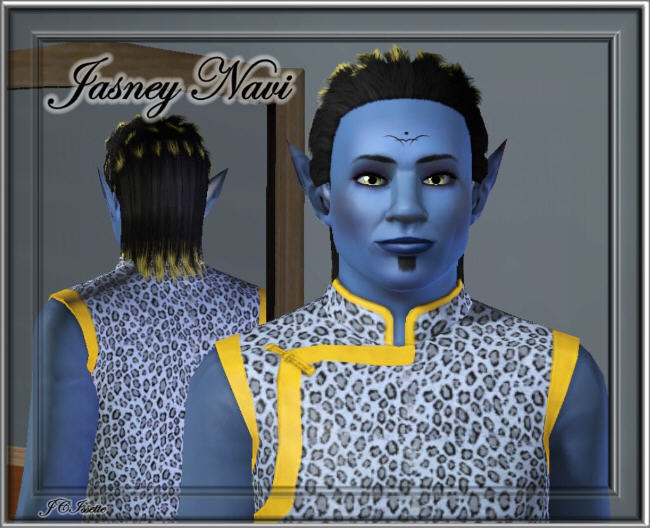
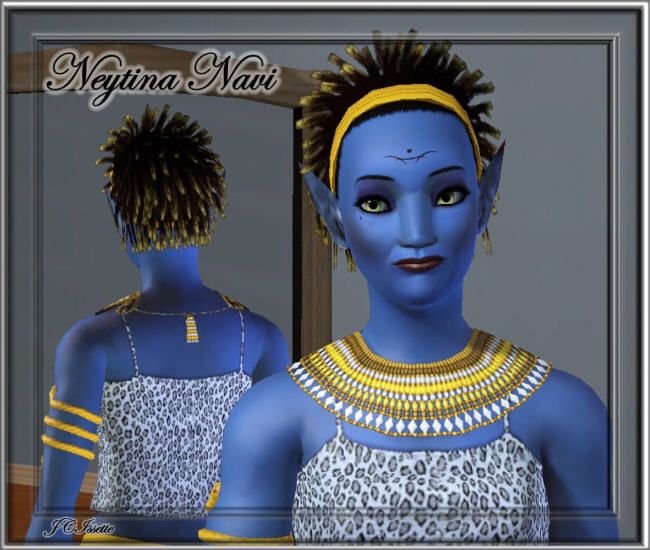
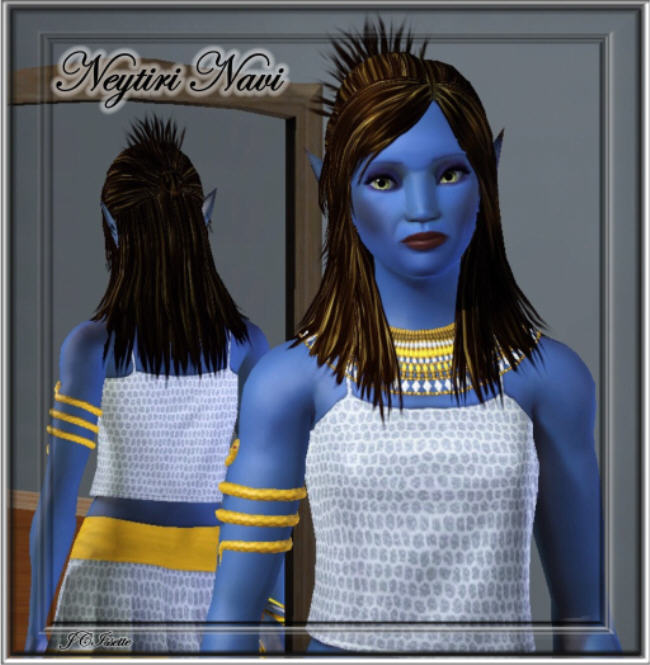
The Navi race was loosely based on the Navi of Avatar. Again, due to the limitations of the game, they were created according to my vision and the help of TSR artists. These amazing people are fishermen, artists and gardeners. They all love the outdoors and will be able to enjoy and explore the full island terrain. They can enjoy many pleasures at the Palace Square, the Palace Fishing Hole, the Palace Cemetery and even at the Palace Rest Area. Since there are no highways on this island, there are pathways for the Sims to travel by foot to any destination or they may opt to take some shortcuts. The island is very small, so the Sims can travel easily about the island in a short period of time.
This world will be offered for download at Media Fire at these links.
Without Buildings: http://www.mediafire.com/download.php?79amft9dq1c4h48
With Buildings: http://www.mediafire.com/download.php?cxjp0xswoi7q07x
Navi Sims:
Jake: http://www.mediafire.com/download.php?bcgbz5o5p096706
Jasney: http://www.mediafire.com/download.php?hg31a353t1jk0q2
Neyteri: http://www.mediafire.com/download.php?k73um6zke3jv95j
Neytini: http://www.mediafire.com/download.php?ii4ukcuz0lokf0v
If you chose Pandora.With Lots, all the residential lots will be unfurnished, except for the Palace and the community lots, which are fully furnished and ready for immediate game play. The world files are very small, so downloading should not take long.
All the world lots will be available for download at TSR, if you wish to get the lots completely decorated and furnished. The four Navi Sims will also be offered on December 4th, if you chose to download them.
I hope you will have an interest in my new world. It has taken many months of diligent work and laborious building to develop this amazing new hood. I hope you will find as much pleasure in this unique hood as I have in creating it.
Special credit goes to Daisylee for her patience and tutoring in CAW.
Also, thanks to all the other TSR artists, who provided their beautiful creations for the lots and Sims. Special thanks especially go to Dgandy, MelissaMel and Ghost21 for their wonderful custom content. Base game, Ambitions and World Adventures needed, as well as the free world, Riverside.
I hope you will accept this beautiful world and all its created components as my Christmas gift to all the TSR downloaders. You have alll been so kind with your wonderful comments and encouragement this past year.
Thanks so much and hugs to all, Judy
Preview Pictures:
Uploading Sims to TSR made easy
This is much easier then you think.. Hope this helps you..
Ok lets do a step by step walk through.
1.Sharing your sim
**** After creating your sim and while still in the create a sim screen***
down in the lower left corner you will see a small picture of your sim, on that small picture is a round button. click on that, and you will see a selection come up. choose the second (looks like an arrow with a star on top). This will open up the share box. Here it will ask for the name (Name your sim what you choose) and it will ask for a description ( can put what you like here. or nothing at all). Then just click the check mark. Wait for it to finish with the share.
*** if you have already made your sim and are playing the game*****
Just take that sim in front of a mirror and choose change appearance. Once that screen has loaded, follow the instructions as above starting with the small round button on small picture of sim in lower left corner.
2.So thats all you need to do as for sharing.. so lets get to the part of uploading to The Exchange.
Open your sims launcher. be sure to log in. Once logged in, click on the link on the left of the launcher window that says "uploads". There you will see the sim (Sims, Lots, clothes.. whatever you have shared) you have just shared. click on the small white box to select that sim. Then below click on the "upload" button. Thats it.. it will load to your sims3 studio and the sims exchange.
(((please note)) not all items including sims will upload to the exchange if you have some custom items with it.
3. Uploading to TSR
Log in on TSR. once you have logged in, at the very top of the page (where it says HI to you) you will see a link called "Dashboard" click on this link.
Then to the far right you will see the subject "statistics". look a below that where you see submissions. left click on the word submissions and open link in a new tap. This will open the page TSR-Submissions.
click on the tap (start). (there you will find more instruction and such but lets keep this easy) go down to upload files. choose "upload from my computer" then click "next step".
Then choose browse. (now this is where a lot of people get lost.)
(to find your files) click on documents - then click on Electronic arts - then sims3 - scroll down the folders until you see the folder named "Exports" and then open that file. inside that file you will see the items (and sims) you have shared. choose the upload (in this case the sim. you will know what one by the name you gave the sim) Then click open (is located to the lower right corner of window). Now you should be back at the upload files page at TSR. click the link "upload file"
THATS IT.. easy ..
Once you have done this you will choose the uploads tap at the top of the screen to continue working with your uploaded items.
Hope this has helped.












 Limited Time Offer
 For a limited time only, we’re giving away a free


