How to Celebrate Harvestfest in The Sims 4: 5 Steps for a Success
By Jezi •

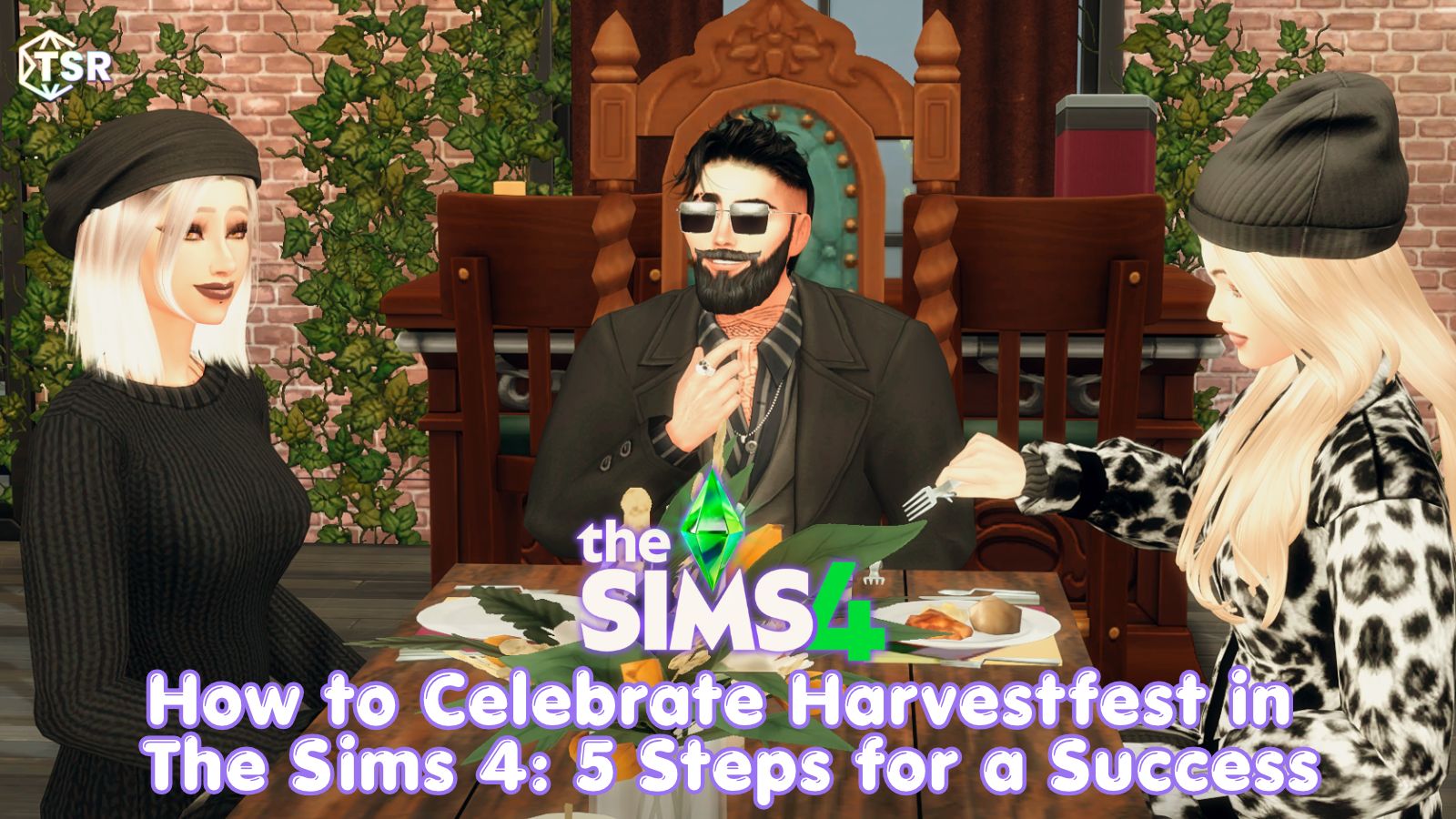
Holidays in The Sims 4 often take inspiration from real-life celebrations, and Harvestfest is no exception. Here in the United States, today is Thanksgiving. This is the perfect time to gather your Sims for a festive feast, a little gratitude, and maybe some mischievous gnomes. Personally, I find Harvestfest one of the easier holidays to complete successfully. With just a little preparation and these five simple steps, your Sims will be celebrating a successful Harvestfest in no time!

About Harvestfest
Sims 4 Harvestfest

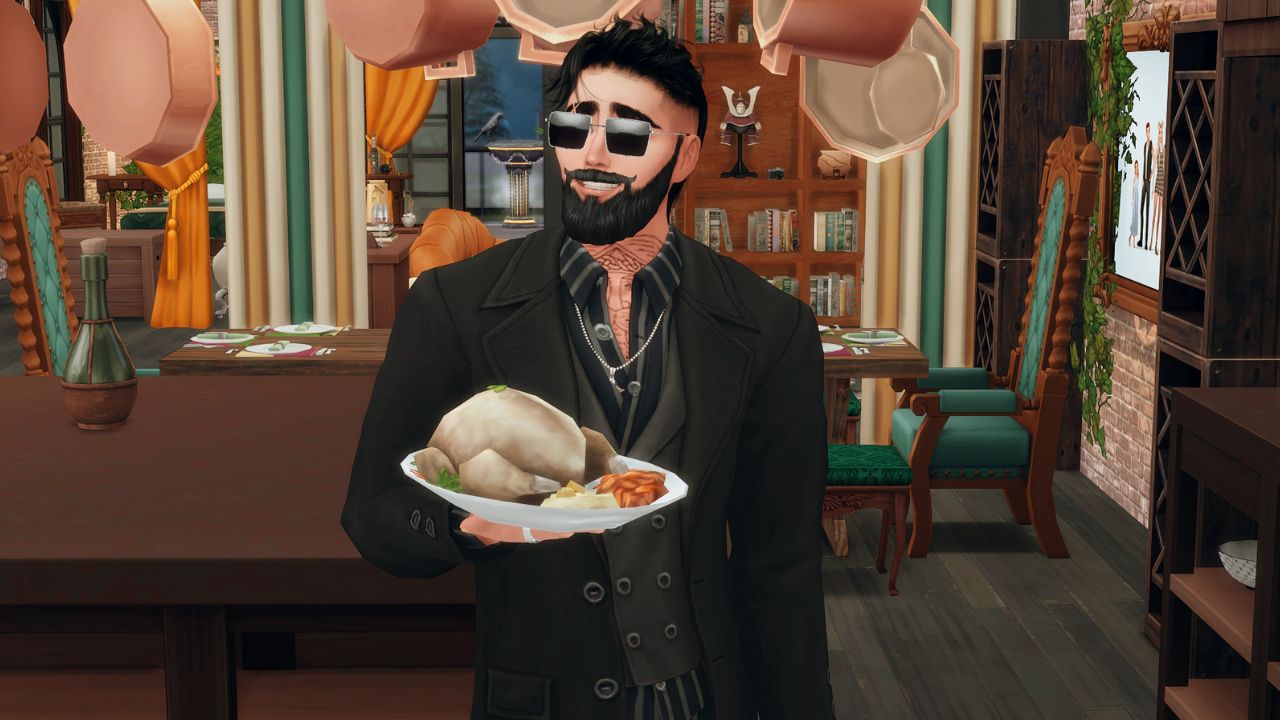
Before we get too carried away with the steps to make Harvestfest a success, let’s look at what Harvestfest even is. Harvestfest was introduced in the Sims 4 Seasons Expansion Pack as a fall holiday. This holiday focuses on family gatherings, delicious food, giving thanks, and appeasing the garden gnomes. Harvestfest is essentially Thanksgiving for Sims, with default goals to decorate, have a grand meal, have a thankful spirit, and appease the holiday gnomes.

Step 1 – Plan Your Harvestfest Celebration

Open the Calendar in The Sims 4 and find Harvestfest, which comes with the Seasons Expansion Pack. You can edit the holiday traditions or create your own custom celebration or create a Dinner Party event to get everyone together. Choose traditions and activities such as Grand Meal, Thankful Spirit, and Decorate to get your Sims into the holiday spirit!

Step 2 – Decorate Your Home for Harvestfest

Get your Sims’ home ready for the festivities! Add autumn-inspired decorations, pumpkins, candles, seasonal centerpieces, and a beautifully decorated dining table. Check out TSR for fall-themed furniture and decor CC to create a cozy Thanksgiving atmosphere.

Step 3 – Invite Family & Friends

What’s Harvestfest without family and friends? Invite your Sims’ loved ones over for a holiday gathering. You can throw a dinner party or simply invite guests to hang out. Make sure there’s enough seating for everyone, and consider adding activities to keep your guests entertained.

Step 4 – Prepare a Delicious Grand Meal

It’s time to get cooking! Click on the refrigerator or stove and select Cook a Grand Meal. Choose from options such as turkey, ham, fish, or tofurkey. Once the meal is ready, click on it and select Call to Grand Meal to gather everyone around the table. Just make sure your Sim has enough cooking experience to avoid a holiday kitchen disaster!

Of course, this step requires some prep work, as you want your cooking skill as high as possible. I always select the Sim with the highest cooking skill to make the Grand Meal for Harvestvest.

Step 5 – Celebrate, Give Thanks, and Appease the Gnomes

Have your Sims express gratitude to one another using the Thankful Spirit interactions. And don’t forget those mischievous Harvestfest gnomes! Offer them the correct gifts to keep them happy and earn seed packets. Choose poorly, and your holiday celebration might get a little chaotic!

We are going to make appeasing the gnomes quite easy with this guide HERE. This way, you will know exactly the right gift to give each gnome.

Final Thoughts

Really, the only tricky bits to Harvestfest are getting all your Sims in the same room for your Grand Meal and making sure to pick the right gift for each gnome. With our gnome guide, that should make that element quite easy. With your Sims all ready for a meal… well, sometimes you just have to try to clear their action queues right before you use Call to Meal and hope for the best!

Until next time, happy Simming, and if you are looking for more Holiday Blogs, check out our Blog on Winterfest
Download blocked
Please turn off your ad-blocker to download.
If ads are a problem you can become a VIP member and enjoy an ad-free site.


Getting this message with no ad-blocker active?
Go here for help .

You still have in credit - why not treat yourself to some VIP?

No, thanks, not now Go to shop
Download Basket
Basket example

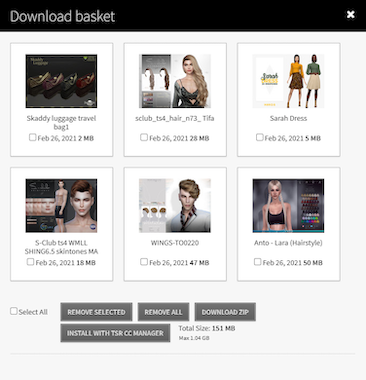
As a VIP member, you can add up to 1 Gb of custom content in your Download Basket and download it all together in just one click.

Try VIP membership for free.

Favorites
Basket example

This feature requires a free account - do you want to sign up now?


As a registered member, you can add up to 10 items in your favorites list.
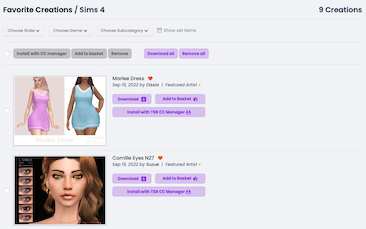
As a VIP you can add up to 1GB of favorite items and download them all in one click.

Favorites

You free quota has been reached. As a free member you can have up to 10 items on your favorites list.

Favorites example

For as low as $3/Month you can:

  • Have unlimited favorites
  • Download all favorites in one click
  • Add favorites to the download basket
  • Download all selected favorites with the TSR CC Manager

Saved searches

Why not save your search and let us alert you when new matching downloads become available? All this and more for just $3 / mo!.

Upgrade Your Subscription
Get 4 free months of VIP at The Sims Resource by upgrading to an annual plan for just $24!
Upgrade Your Subscription
Get 4 free months of VIP at The Sims Resource by upgrading to an annual plan for just $24!
Upgrade Your Subscription
    Selected Payment Method:
    $24 will be charged to the selected payment method.
    TSR CC Manager
    Basket example
    As a VIP member, you can One Click download, install and manage your custom content fast and easy with the TSR CC Manager.
    Try VIP membership for free.
    .edu Email detected
    It looks like you're trying to register with an email from your educational facility. .edu emails don't tend to allow TSR emails through the gateway. As a result:
    • you won't be able to reset your password should you forget it
    • you won't able to change your email address later
    • if you need to contact Support, our Support Team will not be able to reach you.
    We strongly recommend you choose a personal email address.
    OK
    Generate Gift Card Promotion

    VIP Members get 3 Days Early Access
    VIP Early Article Access
    The Magazine will be publicly available on May 20, 2022. Don’t want to wait? Get VIP Membership and Read it Now!
    Update Email Address:
    E-mail*:

    In order to unlink your account, you must set a password
    Password:
    Password Again:

    Download Basket

    - items + - item(s) with required items

    Total size: - of 1GB ( left)

    Sort by
    Date, new to old
    • Date added to the basket
    • Name of creation
    • Artist name
    • Date item published
    • Size of the creation
    Asc
    • Asc
    • Desc
    Filter
    All items
    • All items
    • Selected only
    # Item Name
    Artist
    Date Added
    Item Type
    Size
    Please wait - loading...

    Download Basket

    Sort by
    Date, new to old
    • Date added to the basket
    • Name of creation
    • Artist name
    • Date item published
    • Size of the creation
    Asc
    • Asc
    • Desc
    Filter
    All items
    • All items
    • Selected only
    Please wait - loading...

    - items + - item(s) with required items

    Total size: - (1 GB Maximum)

    Please don't solicit our artists for other work, joining other sites or seeking to take and upload their work elsewhere. This is something we don't allow.

    This is a VIP feature only. Unlock everything by joining our VIP supporters plan today!
    Favorites example

    Limited Time Offer
    Now extended to 21st March!

    For a limited time only, we’re giving away a free Shockwave game to anyone signing up to our annual VIP premium access plan!

    Choose your free game!

    1
    2
    I don’t want a free game - just send me my VIP!
    Buy my annual VIP pass for giving me premium access to The Sims Resource and send me my free game!

    Your game code will be emailed to after you complete your purchase

    Want your game code to be sent to a different email? Click here to change

    *Note: games are non-refundable once this plan is purchased. Any refund we issue under our usual Terms Of Service will have the retail value of $6.99 deducted from the refund price.


    Limited Time Offer
    Now extended to 21st March!
    Are you sure you don't want a free game?

    Thanks! Someone from Support will be in touch very soon!

    Replies are normally within 24 hours and often a lot sooner.

    Ensure that you add [email protected] to your email safe-senders list!

    Want to add this item to your Basket?

    Learn More about VIP
    Want to install with CC Manager?

    Learn More about CC Manager
    By Artist Name
    Published November 15, 2022 •
    Download Now Downloaded View More Details See More and Download Now CC Manager CC Manager Add to Basket Add to Basket Please wait - adding... Added to Basket Delete from Basket Please wait - adding...