

 Sign In


The Sims 4 Pose Player 101

One of the core elements in my screenshot and image editing must-haves is a mod known as Pose Player. TSR’s support team gets loads of inquires on this Sims 4 Pose Player as downloadable poses require the Pose Player to work. Unfortunately, the Pose Player was not developed by TSR. So I am going to guide you through how to install and use The Sims 4 Pose Player and where to go if you need help with this mod.
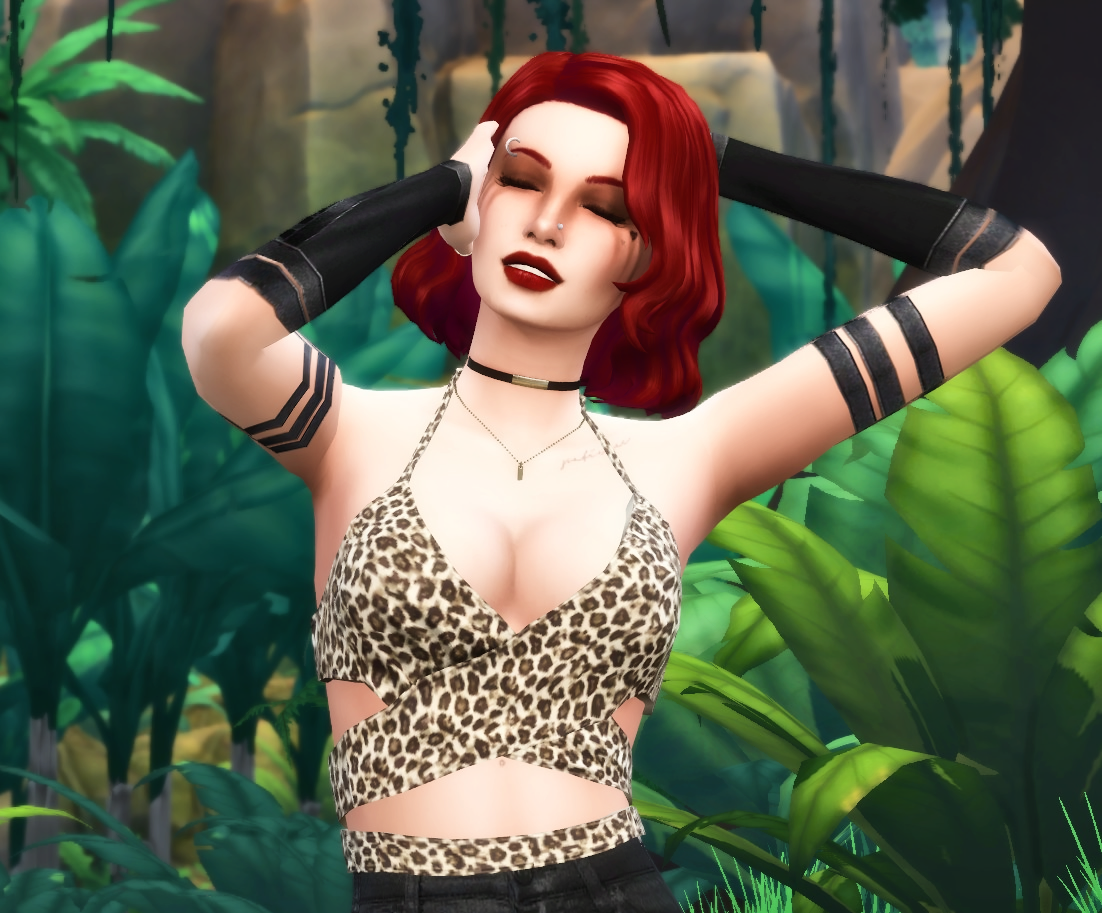
Just Kendall doing her pose thing… but made possible by Andrew’s Sim 4 Pose Player
About Pose Player
The Sims 4 Pose Player was created by Andrew from the Sims 4 Studio and performs as the most popular mod for posing Sims. You can find Pose Player HERE. The creator does keep it up to date if any changes are needed. This mod allows you to use downloadable poses to pose Sims so that you can capture good images in-game and in CAS (Create a Sim). Without this player, you would have to wait for the exact moment for the perfect pose. Another option would be to take thousands of images and sort through them to find the right image.
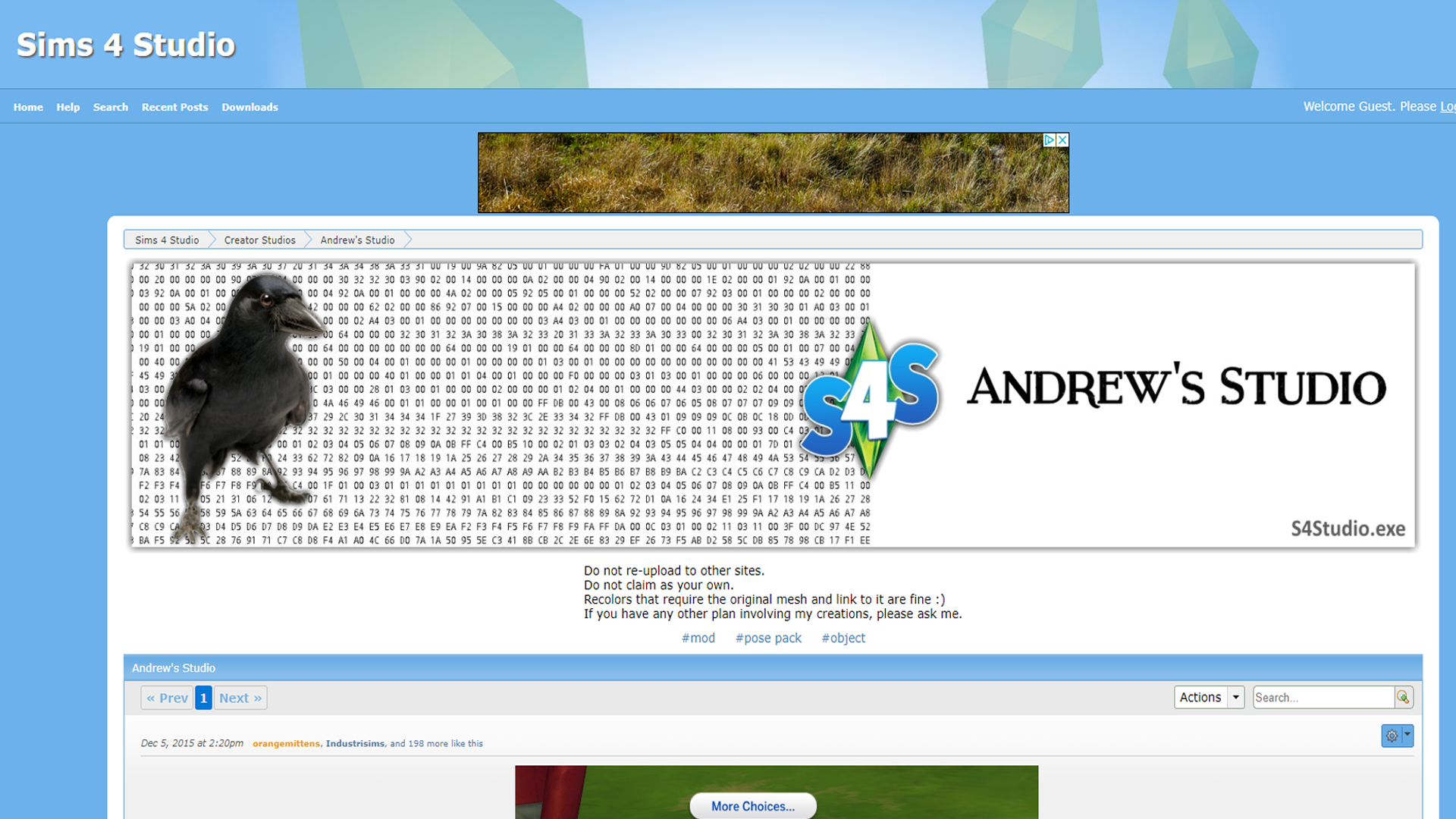
If you see this you are in the right place to download Andrew’s Pose Player.
Keep in mind this is not a TSR mod. So unfortunately we cannot offer support on the actual Pose Player Mod. Yes, the poses you download from TSR need this mod to work, but the TSR artists did not create the mod that runs the poses. The best way I can explain this is like a DVD. The Pose Player is the external DVD player. The artist are creating the ‘DVD’ but you have to get the ‘DVD player’ separate.
Installation
With any mod, there are installation requirements that have to be followed in detail for the mod to work correctly. Some CC and mods are package files and some are script. The Pose Player has both components to the mod and needs both files installed together.
How to Install Pose Player
1 – Download the Pose Player Mod
2 – Extract the 2 files from the .zip file
3 – Place both files directly into your Mods folder

4 – Pose Player is a script mod. The first thing you will need to do is enable script mods in your game if you have not done so already. You can do this by going to your Game options and then click on Other. You will see the script Mods option there.

5 – Once you have script mods turned on click Apply Changes. You will need to exit your game fully and then reload the game.

Once you have reloaded the game your mod should be installed and ready to go. (TSR cannot provide support on this mod you will need to go HERE if you need further assistance)
Installing Poses
Installing Poses can be really simple if you are a VIP on TSR as all you do is click install with CC Manager. However, if you want to install Poses manually it is quite simple. Poses are package files that have to go into your Mods folder. If you organize your folder like I do, then you would put your poses in your Mods>Pose folder.
Poses
Where to find them on TSR
If you are looking for poses you have come to the right place. There are amazing pose artists here at TSR! To look at ALL the poses go to downloads>Mods>Poses and then you will be able to scroll through hundreds of poses that you can download.

If you are looking for recommendations on some great pose artists I suggest ReMaron, Couquett, Beto_Ae0, and YaniSims. Of course, there are many more pose artists on TSR and if you are looking for something specific try searching by keywords to narrow things down a bit, because there is ALOT of poses.

CAS Poses Vs Non-CAS
When you are looking at downloading poses you may come across poses that state they are for CAS (Create a Sim). CAS poses attach to a Sim trait and you can only have one pose for each trait of each age range. Age ranges are defined as Toddler, Child, and Teen through Elder. If you have more than one pose of a specified trait installed only one will work until the other is removed.
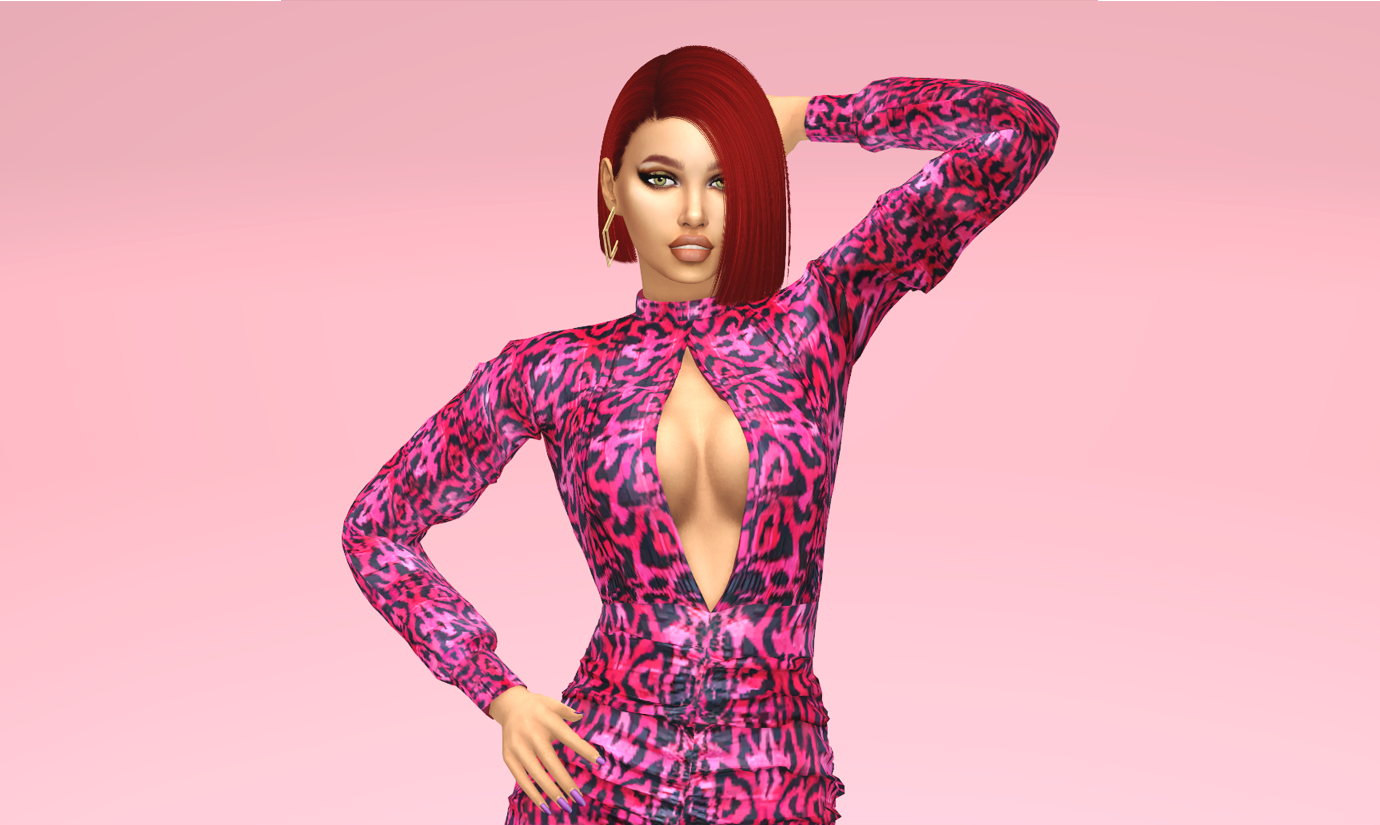
CAS Pose
I use CAS Poses a lot for my images. Once you install the CAS Pose Pack that you would like into your mods folder the pose will attach in-game to a trait. When you click that trait in-game the Sim will then pose after the trait is clicked. CAS generally provides better quality photos and if paired with a contrasting CAS Background easier to cut out for edits.
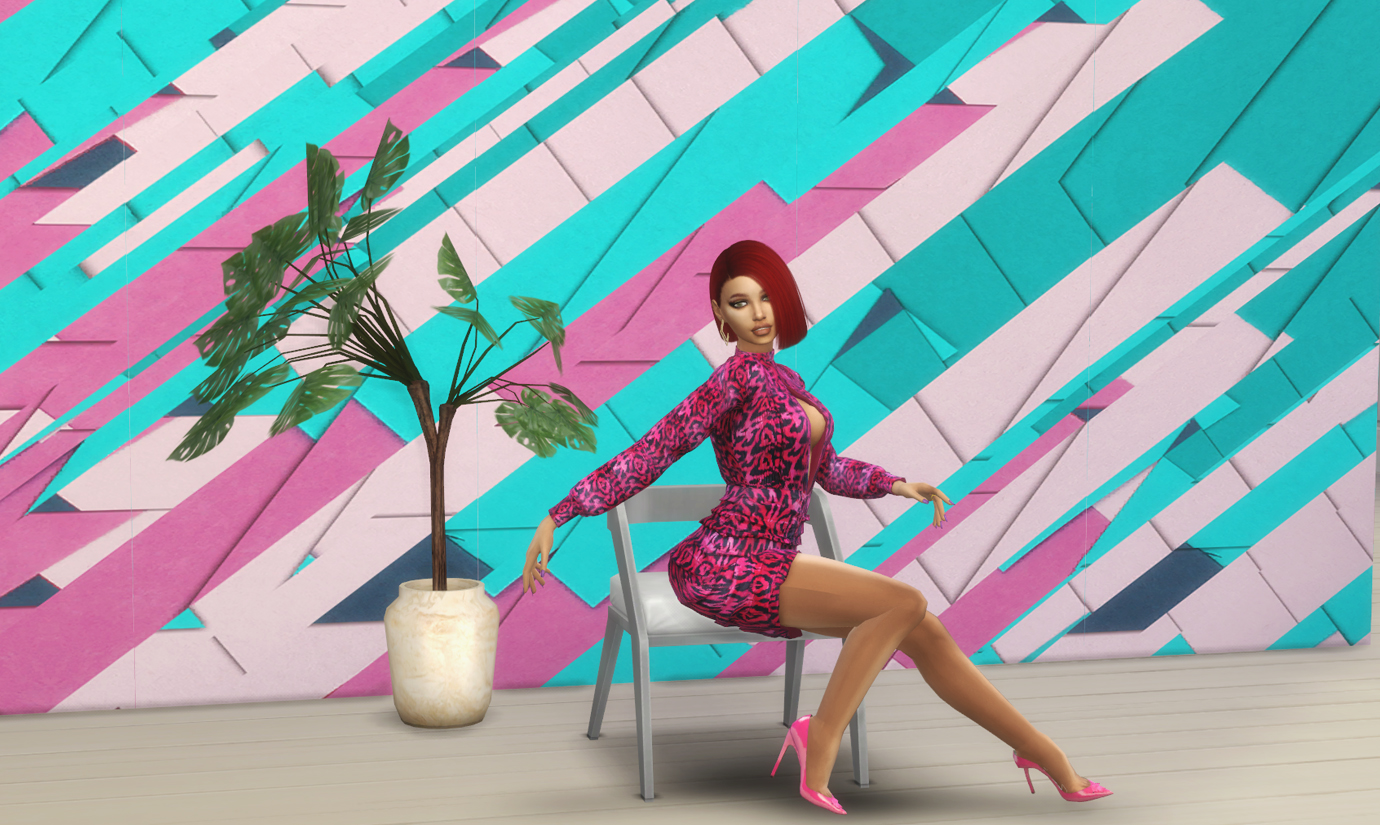
In-game pose
Non-CAS Poses will only show up by clicking the Sim and then clicking the option of ‘Pose by Name.’
Functionality In-Game
If you have installed everything correctly you can find your poses by clicking onto your Sim and then selecting Pose by Name. Any poses that have been properly installed will show here in a list of poses. If you select Pose by name you will need the clip name of the pose for the pose to work.

Sometimes poses will be designed where the pose will play through the entire Pose Pack so you do not have to worry about just selecting one Pose. Poses also count as actions so you can queue as many as you need.
Summary
Using poses downloaded from TSR can add a lot to your game. The primary purpose of poses is to be able to take better screenshots of your Sims, rather than waiting for the right moment or taking thousands of images to achieve one photo. Of course, with a pose player with a few clicks of a mouse, you can have a photo-ready pose right away.

The Sims 4 Pose Player by Andrew is 100% needed to use downloaded poses in your Sims 4 game. If you do not have the Pose Player installed, the poses will not work. The Sims 4 Pose Player by Andrew is also not made by the TSR staff or artists, so we can unfortunately not help you with this mod through TSR Support. If you need support on this mod, you will need to go HERE.
*Sim featured on Social Media by MSQSims
Looking for more articles on Mods check out our Sims 4 Mods Spotlight and Using Sims 4 Mods articles.












 Limited Time Offer
 For a limited time only, we’re giving away a free


